Why a new business website is not showing on Google: diagnostic order (site:, URL Inspection, Page indexing), noindex vs robots.txt, staging and canonicals after a developer handover, Search Console Domain ownership by DNS TXT, JavaScript app shells, honest indexing timeline, brand-name searches and Google Business Profile, handover checklist
New Website Not Showing on Google? What to Check, in Order
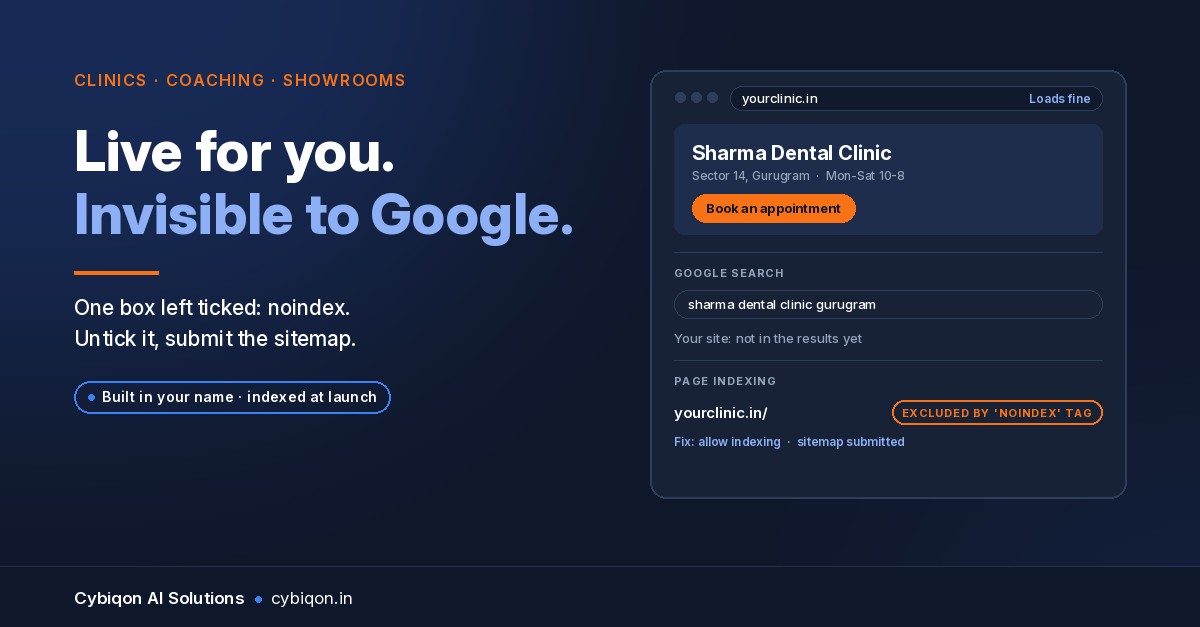
You paid a freelancer or an agency ₹10,000 to ₹60,000, the site went live, and months later it still does not come up on Google. You search your own business name and nothing appears. A new website not showing on Google is one of the most common complaints from clinic owners, coaching centres, showrooms and manufacturers. The cause is usually small and specific.
In India that is close to invisibility. According to StatCounter, Google handled 98.06% of all searches in India in October 2026.
There is also no instant switch. Google's SEO Starter Guide says some changes "might take effect in a few hours, others could take several months", and that "there's no guarantee that any particular site will be added to Google's index."
This guide gives you a strict order of checks, what each proves, the handover problems generic checklists skip, and a checklist to demand before you pay the final instalment.
How to check if your website is indexed by Google
"Not indexed" means Google has not stored your page at all. "Indexed but not ranking" means Google has it but shows other results above it. The fixes are different, so find out which you have first.
Step 1: the quick check. Type site:yourdomain.in into Google. If you see your pages, Google has indexed at least some of them. If you see nothing, that is a strong hint, but not proof. Google's own documentation says the site: operator doesn't necessarily return all indexed URLs.
Step 2: the authoritative check. Open Google Search Console, paste your homepage address into URL Inspection, and read the result:
- Indexed version tells you what Google stored the last time it crawled.
- Live test tells you what Google sees on the page right now. If you fixed something yesterday, the live test shows it; the indexed version will not until Google recrawls.
- "URL is on Google" means the page is eligible to appear. It is not a promise that it will show for any search.
Step 3: the Page indexing report. This lists every URL Google knows about and why it was or wasn't indexed. Google's help page warns: "Don't expect every URL on your site to be indexed." Look at the statuses:
| Status in Search Console | What it means | Usual next step |
|---|---|---|
| Discovered – currently not indexed | Google knows the URL but hasn't crawled it yet | Wait; add internal links; submit a sitemap |
| Crawled – currently not indexed | Google read it and chose not to index it for now | Improve the content; make it clearly different from other pages |
| Excluded by 'noindex' tag | Your site told Google not to index it | Remove the noindex |
| Blocked by robots.txt | Your robots.txt stops Google crawling it | Fix robots.txt |
| Duplicate, Google chose different canonical than user | Google treats another URL as the main copy | Fix canonicals and redirects (often a staging copy) |
If you don't have Search Console access at all, that is itself a finding (see the handover section).
New website not showing on Google: the six usual causes
When a website is not indexed by Google, it usually comes down to one of these.
1. The WordPress "Discourage search engines" box is still ticked. Developers tick it during the build and forget to untick it at launch. Since WordPress 5.3, this setting adds a noindex, nofollow robots meta tag to every page. One first-hand account on WPShout describes leaving it on a live site for weeks. The fix is one checkbox under Settings → Reading.
2. A noindex tag or header elsewhere. Some themes, SEO plugins and custom builds add <meta name="robots" content="noindex"> or an X-Robots-Tag HTTP header. View the page source and search for "noindex".
3. robots.txt blocks everything. Disallow: / tells Google not to crawl any page.
4. Google is indexing the staging site instead (see the handover section).
5. The real content only appears after JavaScript runs (see below).
6. A holding page was live for too long. In October 2024, Google's John Mueller advised against putting up generic server or CMS holding pages before launch. Parked or duplicate content takes longer for Google to recognise as a real site.
robots.txt Disallow vs noindex: why they are not the same
Google's documentation says robots.txt "is not a mechanism for keeping a web page out of Google". A URL blocked by robots.txt can still appear in results, just without a description.
A noindex tag does keep a page out, but only if Google can crawl the page and read the tag. If robots.txt also blocks the page, Google never sees the noindex. So:
- To get into Google: remove both the
Disallow: /and thenoindex. - To keep a page out: use
noindex(or a password) and do not block it in robots.txt.
New website not showing on Google after a developer handover
For a site built by a freelancer or agency, the cause is often in the handover: a staging copy, wrong canonicals, or Search Console in someone else's name.
The staging copy is indexed. Developers often build on a test address like staging.yourbusiness.in. If it was never protected, Google may index it as the original. Your real domain then shows as "Duplicate, Google chose different canonical than user". A Moz Q&A thread describes exactly this: staging and live both indexed. In a 2023 episode of Google's Search Off the Record podcast (summarised by Search Engine Journal), Google's team named robots.txt, noindex, and password or IP allow-listing as ways to keep staging out. The fix:
- Password-protect the staging site, or 301-redirect it to the real domain if it is no longer used.
- Check that every canonical tag on the live site points to your real domain, not the staging address. In WordPress, check that the Site Address under Settings → General is your real domain.
- If staging pages are already in results, the Removals tool hides them, but only "for about six months", and only verified owners can use it. The permanent fix is a 404/410, password protection or noindex on the staging copy.
Your developer owns Search Console, not you. You cannot run any of the checks above without it. Add yourself as a verified owner of a Domain property:
- In Search Console, add a Domain property for
yourbusiness.in. - Google gives you a TXT record. Add it in the DNS settings at your own registrar (GoDaddy, Hostinger, BigRock, wherever the domain is registered).
- Wait. Google's help page says "it can take up to two or three days for your provider to start serving the record".
- Keep the record in place for as long as you want to stay verified.
Google notes that "multiple people can verify ownership of the same website property", so you don't need the developer's permission. Once you're verified, go to Settings → Users and permissions and remove anyone who shouldn't be there. A removed owner can re-verify while their verification token remains, so use the Unused ownership tokens option (added in April 2024) to clear the old developer's tokens. If the developer is not giving you access to the domain itself, sort that first. Our guide on getting your website access back from a developer covers the registrar side.
Can Google read a website built entirely with JavaScript?
Usually, but with a delay and some risk. Google's JavaScript SEO documentation describes three stages: crawl, render, index. Pages wait in a rendering queue before Google runs the JavaScript and sees the content.
The problem is the "app shell": the first HTML Google receives is a near-empty page and a script, and all the real content (services, address, doctors, courses) is drawn in by JavaScript afterwards. If rendering fails or is delayed, Google sees an empty page. Google's own advice is that server-side rendering or pre-rendering is "still a great idea".
To check:
- Right-click your homepage and choose View page source (not "Inspect"). Press Ctrl+F and search for a sentence from your page. If it isn't there, your content depends on JavaScript.
- In Search Console, run URL Inspection → Test live URL → View tested page, and look at the rendered HTML and screenshot. A blank screenshot means Google isn't seeing what customers see.
How long does it take for a new website to show on Google?
There is no fixed number. In Google's own words, changes can take "a few hours" to "several months", and it advises waiting a few weeks before judging whether something worked.
For a more detailed picture, there are figures reported from a Google talk. These are not Google documentation. At Search Central Live Deep Dive Europe in Barcelona on 2 October 2026, Gary Illyes reportedly gave these timings (from an attendee recap by John Campbell, carried by Search Engine Journal, Search Engine Roundtable and PPC Land; Google has not published the slides):
| Stage | Typical | Slowest |
|---|---|---|
| Discovering a new URL | about 20 hours | weeks to never |
| End-to-end indexing | about 1.5 hours | months, or never (quality) |
| Processing a sitemap | about 24 hours | up to 14 days, or never |
| Picking up a robots.txt change | about 24 hours | — |
The "never" rows are the point. On 10 November 2026, John Mueller said of new sites (via Search Engine Roundtable) that "it can take time for the systems to understand the unique value of it all". He put quality ahead of quantity, and suggested relying on normal crawling rather than repeatedly pressing Request indexing. That button has a daily quota and no guarantee.
Do you need a sitemap? Google's documentation says a sitemap helps a new site with few external links, which describes most new business sites. It doesn't guarantee indexing, but submit one at launch.
Why your website doesn't show when you search your business name
If URL Inspection says your homepage is on Google but you still don't appear for your name, you have a ranking problem, not an indexing one.
The usual cause is a generic name. In December 2024 Mueller put it plainly: "just because you call your company something doesn't mean it'll show up on top in search." If your clinic is called "City Care Clinic" or your coaching centre "Bright Future Academy", hundreds of others share those words. Searches like "City Care Clinic Nagpur" will usually go first to a map listing, not a website.
That map listing is your Google Business Profile, and for local searches it often matters more than the website itself. If a rival keeps appearing above you, our hub guide on why your competitor shows up on Google and you don't walks through setting up and strengthening that profile. Keep your name, address and phone identical on the profile and the site.
Handover checklist: demand this before the final instalment
Hold the last payment until each of these is true, with screenshots:
- The domain is registered in your name and email, at a registrar you can log in to.
- You are a verified owner of a Search Console Domain property (DNS TXT record at your registrar).
- URL Inspection on the homepage shows the live page can be indexed: no noindex, not blocked by robots.txt.
- WordPress "Discourage search engines" is unticked (if it is WordPress).
robots.txtdoes not containDisallow: /.- The staging site is password-protected or redirected to the live domain.
- Canonical tags and the site URL point to the live domain.
- A sitemap is submitted in Search Console and shows as processed.
- View page source shows your real text, not just a script tag.
- You have the hosting login, admin login and a copy of the code or a full backup.
Fix it or rebuild it? An honest test
Many sites need no rebuild. A ticked box, a stray noindex, a Disallow: / or a missing sitemap takes minutes to fix; then the wait is up to Google. Don't buy a new site for a one-checkbox problem.
A rebuild becomes worth discussing when:
- The content only exists after JavaScript runs and the developer can't add server rendering.
- You can't get the domain, hosting or code out of the developer's hands at all.
- The site is a template clone with thin, duplicated pages that Google keeps leaving as "Crawled – currently not indexed".
If you're weighing a platform for a rebuild, our comparison of WordPress vs a custom website over three years sets out the real running costs on both sides.
FAQs
Does the WordPress 'Discourage search engines' setting stop Google indexing my site?
Yes. Since WordPress 5.3 it adds a noindex, nofollow robots meta tag to every page, which tells Google not to index them. Untick it under Settings → Reading, then run a live test in URL Inspection.
What does 'Crawled – currently not indexed' or 'Discovered – currently not indexed' mean?
"Discovered" means Google knows the URL exists but hasn't crawled it yet. "Crawled" means Google read the page and decided not to index it for now, which often points to thin or duplicate content. Neither is an error you can switch off. Improve the page and link to it from your other pages.
My developer set up Search Console — how do I become the owner?
Add a Domain property yourself and verify it with a DNS TXT record at your own domain registrar. Allow two to three days. More than one person can own a property. Then remove the developer and clear their unused ownership tokens.
Get a site that Google can read from day one
If your site has been live for months and still isn't on Google, send the address to [email protected] and we'll run a free indexing check. We'll tell you which of the causes above applies, even if the fix is one checkbox you can untick yourself.
If a rebuild is the right call, Cybiqon builds custom websites in your name from the first day. That means server-rendered pages so Google sees real content, a password-protected staging site, a sitemap submitted at launch, and you set up as a verified Search Console owner through a DNS record at your own registrar before handover. The site is written for your business, not configured from a template, and you own the code, the domain and the data Google reports on it.
Book a 30-minute call, or reach us at +91 9250711473.
Conclusion
A new website not showing on Google is rarely a mystery. Check in order: site: for a quick look, URL Inspection for the real answer, then the Page indexing report for the reason. Rule out noindex, robots.txt, staging and JavaScript before you blame time. Then give Google the weeks it says it needs.
Above all, make sure you, not your developer, own the domain and Search Console. For a second pair of eyes, Cybiqon will check your site's indexing for free.
Want this set up for your business?
Book a free call — no tech jargon, no sales pressure. Just honest answers.
What we build for this: Custom websites