JustDial lead capture, de-duplication and callback follow-up
JustDial CRM Integration: Fix the Callback, Not the Listing
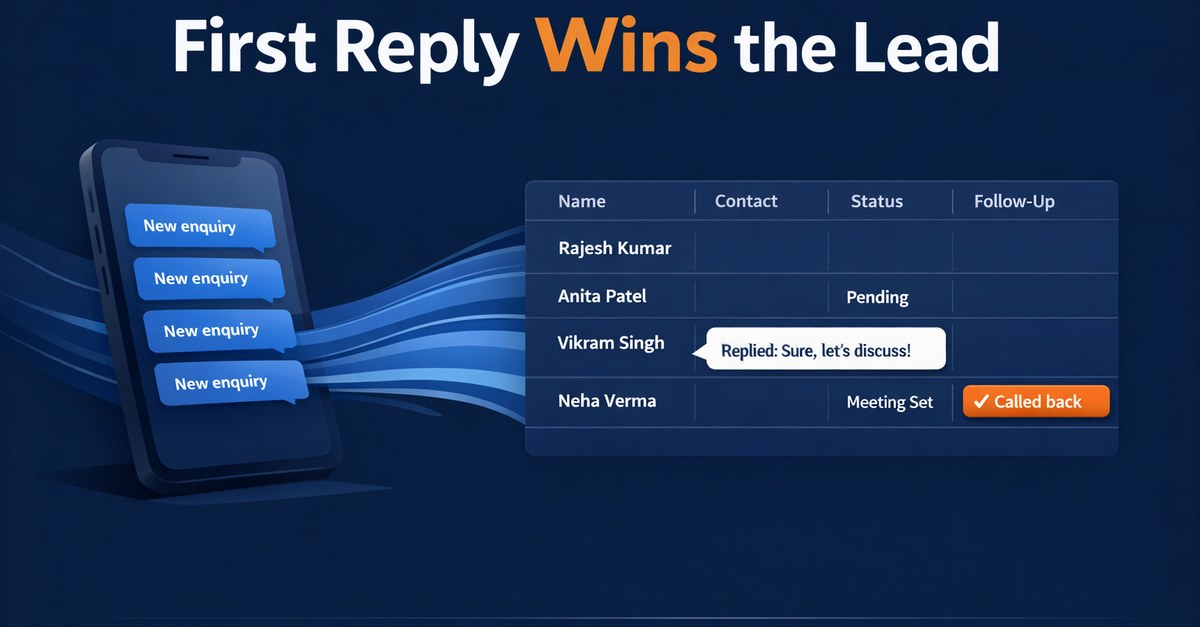
JustDial CRM Integration: Fix the Callback, Not the Listing
You pay JustDial for enquiries, and the phone rings. Then what happens to the call you missed at 2 pm while you were on a site visit? For most local businesses the honest answer is "someone notes it down, maybe". That gap, not the listing, is where the money leaks.
A proper JustDial CRM integration is less about fancy software and more about one boring promise: every enquiry lands in one place, once, with a named person and a callback time. According to results reported via a Kotak Neo summary, JustDial had 639,200 active paid campaigns at 30 June 2026, 56.1 million listings and 192.9 million quarterly unique visitors in Q1 FY27. Plenty of buyers are arriving, and several sellers are usually competing for each of them.
This post starts with the callback log, because that is what you can fix this week. Then it covers how JustDial leads reach you, how to send them to a Google Sheet or a CRM, how to stop duplicate leads, and what to do about WhatsApp. It is written for the owner or sales head of a packers-and-movers firm, interior designer, coaching centre, CA firm, appliance-service outfit, dealer or clinic.
Start with the callback log, not the integration
Before you connect anything, open your phone's call log and your JustDial lead list side by side for the last seven days. Count three things: enquiries received, enquiries that got a callback, and enquiries that got a callback within an hour. Most owners find the third number is embarrassing.
Speed matters, but be careful about which numbers you trust. The best-known research is a Harvard Business Review study from March 2011 ("The Short Life of Online Sales Leads" by Oldroyd, McElheran and Elkington). It looked at web leads at US firms, so it is not JustDial data and not Indian data. It found that a reply within an hour made a conversation with a decision-maker roughly seven times more likely than a reply an hour later, and about sixty times more likely than a reply after a day. Of 2,241 US firms, 37% replied within an hour, 24% took more than 24 hours and 23% never replied at all. These figures come from secondary summaries of the paper.
Treat that as a direction, not a promise. The lesson is simple: the enquiry is perishable, and the buyer is usually calling other sellers too. Your own seven-day log will tell you more than any foreign study.
What to record for each lead:
- Time the enquiry arrived and time of first callback
- Who called back (a name, not "the team")
- Outcome: spoke, no answer, wrong number, not interested, quote sent
- Next callback date, if any
If you do only this in a sheet for a week, you will already see where the leak is. Integration then makes it automatic.
How JustDial leads reach you, and what a JustDial webhook is
A JustDial webhook is just a web address on your side. When a lead is generated, JustDial's system calls that address and hands over the lead's details (typically name, phone number, the search term and city). Your CRM or your own small server receives it and saves it.
Here is the part most guides skip. According to Kylas's support documentation, the JustDial portal has no field where you can paste your webhook URL. JustDial support or your account manager adds it on their backend. LeadSquared's help pages say the same in effect: the account manager configures it, it uses the GET method, and it is a paid feature.
We could not confirm delivery options directly from JustDial, because justdial.com returned an access error when we checked. So everything here about delivery comes from those partner documents. Ask your account manager in writing what is enabled on your account, what fields are sent, and whether there is a charge.
The pattern is the same one used for marketplace leads. If you already read our guide on IndiaMART CRM integration, you have seen it: the platform pushes, you receive, you de-duplicate, you assign. Only the field names and the account-manager step change.
Alternatives, if the webhook is not enabled for you: email notifications that a script parses, the JustDial app or lead export, or a person pasting leads into a sheet. These work, but pasting by hand is exactly how leads get lost.
JustDial leads to Google Sheet: the cheap first step
For many businesses getting JustDial leads to a Google Sheet is the right first build. A webhook receiver writes one row per enquiry into a sheet that your callers already know how to use.
A sheet that works as a lead register has these columns: received time, name, phone, city, what they searched, source (JustDial), owner, status, first callback time, next callback date, notes. Add a column that turns red when a lead has no callback 30 minutes after arrival. That one formula is more useful than most dashboards.
Where a sheet breaks:
- Two people edit the same row and one overwrites the other
- No automatic reminder when a callback is due
- Anyone can delete rows, and nothing records who did it
- It gets slow and unwieldy once you hold several thousand leads
If your volume is a few dozen enquiries a week, a sheet with an alert is honest and enough. When the breaks above start costing you, move to a CRM or a small system built for your process. For a wider look at that move, see our comparison of CRM software for Indian businesses.
JustDial duplicate leads: choose one key and stick to it
The same buyer often shows up more than once. They search twice, call two listings, or you get both a call-based lead and a form lead. Without a rule you will have three rows for one person and two callers phoning them.
The rule from LeadSquared's documentation is worth copying: pick one unique field, such as the phone number, as the duplicate key. Importantly, the de-duplication happens in the receiving system, not at JustDial. JustDial does not clean this up for you.
A workable rule set:
- Clean the phone number first: strip spaces, +91 and leading zero so every number looks the same.
- If that number already exists, do not create a new lead. Add a new "enquiry" line to the existing one, with the time and the search term.
- If the earlier lead is still open, alert its owner that the buyer enquired again. A second enquiry is a sign of high intent.
- If the earlier lead was closed long ago, reopen it and assign it fresh.
Keep the original first-contact time. A fresh enquiry from the same buyer should not reset your response-time clock and hide a bad number.
JustDial leads to WhatsApp: what to send, and the rules to check
Sending JustDial leads to WhatsApp is attractive: the buyer gets an instant message ("Thanks for your enquiry, Rakesh from Sharma Movers will call you at 4 pm"). But there are real cautions here, and we do not want to overstate certainty.
Cost. Press reports say Meta began charging for service messages from 1 October 2026, with 1,000 free per number per month, and put rates at roughly Rs 0.115 for utility or service messages and Rs 0.8631 for marketing messages. Meta's own pages, when we fetched them on 7 October 2026, still showed the older rules. So check Meta's current rate card before you budget, and do not assume a per-lead cost from a news article.
Which window. A first reply to someone who phoned you is a business-initiated message sent as a template, not a reply inside a free 24-hour window. If Meta classes it as marketing, it costs roughly 7.5 times a utility message at the reported rates.
Opt-in. WhatsApp's policy requires opt-in. A buyer who gave their number to JustDial has not clearly opted in to hear from you on WhatsApp. This is a grey area with no legal certainty. Many businesses use a plain utility-style first message ("we received your enquiry, here is who will call you"), or an SMS, and keep any promotional content out of it.
Calling. If your callbacks come from a telecalling team, read our note on TRAI rules for telecalling and callbacks too.
Data law. India's DPDP Rules 2025 were notified on 13 November 2025, and the core duties start around mid-May 2027 (sources differ by a day). Once you store buyers' numbers, you will need a consent notice and a retention rule. Start by deciding how long a dead lead stays in your system.
JustDial lead follow-up: the callback loop
Here is an illustrative composite, not a client story. Say an AC-service business in Pune receives 40 JustDial enquiries a week. Three people share the phone, a sheet is "guarded" by one of them, and leads from after 7 pm wait until the next morning.
A built system would do this, in order:
- Webhook receives the lead and cleans the phone number
- Duplicate check on the phone number
- Round-robin assignment to a technician-coordinator, with the lead pushed to their phone
- Utility-style first message to the buyer, with the name of the person calling
- A callback timer: if no outcome is logged in 30 minutes, the owner is alerted
- Outcome logged (spoke, no answer, wrong number, quote sent) and next callback date set
- Evening rule: after-hours leads get a message, and a first call is booked for 9 am
- Weekly summary: enquiries, callbacks within an hour, quotes and bookings per owner
We are not claiming any uplift from this. We have no measured figure and will not invent one. The point is that every lead now has an owner, a clock and a recorded outcome. For a deeper look at the follow-up logic itself, our hub on WhatsApp automation for Indian businesses covers how reminders and templates are set up.
CRM subscription or a small owned system?
Be honest with yourself here. A CRM subscription is the right choice if your process is standard, you have a team that can configure it, and the per-user fee is small next to your lead value. Kylas and LeadSquared both document JustDial integrations, so you will not need to build the plumbing yourself.
A small owned system makes sense when your process is unusual (site visits, quotes, multiple branches), when you are paying for many seats just to get a handful of fields, or when you want the data and the logic to be yours.
What a small owned system does not do: it does not come with a polished mobile app on day one, ready-made reports for every question, or a vendor support desk with a hundred staff. It does what you specify, and you must specify it well.
FAQs
How do I connect JustDial to my CRM?
Ask your JustDial account manager to enable lead delivery to your CRM's webhook URL. The portal has no field for it, so they add it on their backend. Partner docs (Kylas, LeadSquared) describe the setup, but confirm the details with JustDial.
Can JustDial leads go to a Google Sheet automatically?
Yes, if lead delivery is enabled on your account. A small receiver takes each lead and writes a row to your sheet. Without a webhook, you will need to export or copy leads by hand.
How do I stop duplicate JustDial leads?
Pick one unique field, usually the cleaned phone number, and check it before creating any new lead. Add the repeat enquiry to the existing record instead of making a new one.
Is the JustDial webhook free?
Not necessarily. LeadSquared's help says it is a paid feature. Ask your account manager for the charge in writing.
Want the callback built, not just the listing?
Cybiqon would build the receiver, the duplicate check, the assignment rules, the callback timer and the weekly summary, written for how your business actually takes enquiries rather than configured from a template. You own all of the code. The first message and any WhatsApp automation would follow the rules above, so you are never guessing about opt-in or cost.
If you want to talk it through, book a 30-minute call or reach us on +91 9250711473 or [email protected].
Conclusion
A JustDial CRM integration works when it fixes the callback: one place for every enquiry, one duplicate rule, one owner and one clock. Start with a seven-day callback log, confirm delivery with your account manager, and only then pick between a sheet, a CRM or a built system. Check Meta's rate card and the DPDP timeline before you automate WhatsApp. The listing brings the buyer; the callback wins them.
Want this set up for your business?
Book a free call — no tech jargon, no sales pressure. Just honest answers.